
How to Edit Your SitePad Website
After creating your SitePad website, you can update content, images, menus and pages at any time using the SitePad editor.
Step 1: Log in to SitePad
You can access SitePad through:
- cPanel via Softaculous
- AdminBolt hosting panel
Open your existing SitePad installation and click:
Login to SitePad
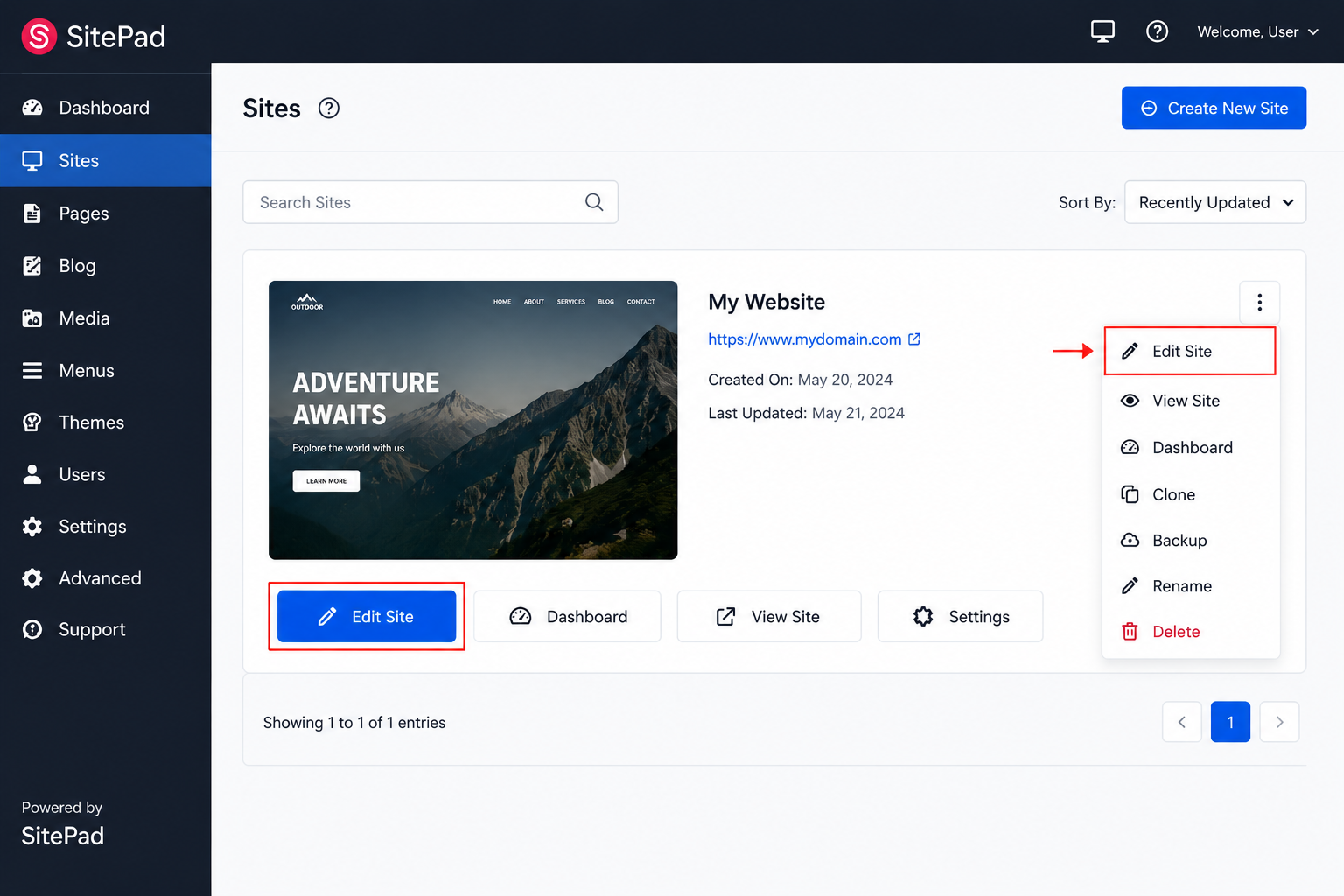
Step 2: Open the Website Editor
Once logged in, click:
Edit Site
The visual editor will open.
Step 3: Edit Content
To edit text:
- Click on the text area.
- Type your new content.
- Use the toolbar to change formatting.
You can also:
- Replace images
- Add buttons
- Insert sections
- Change backgrounds
- Update menus
